Galaxy S26 Ultra concert camera settings: zoom, video and audio
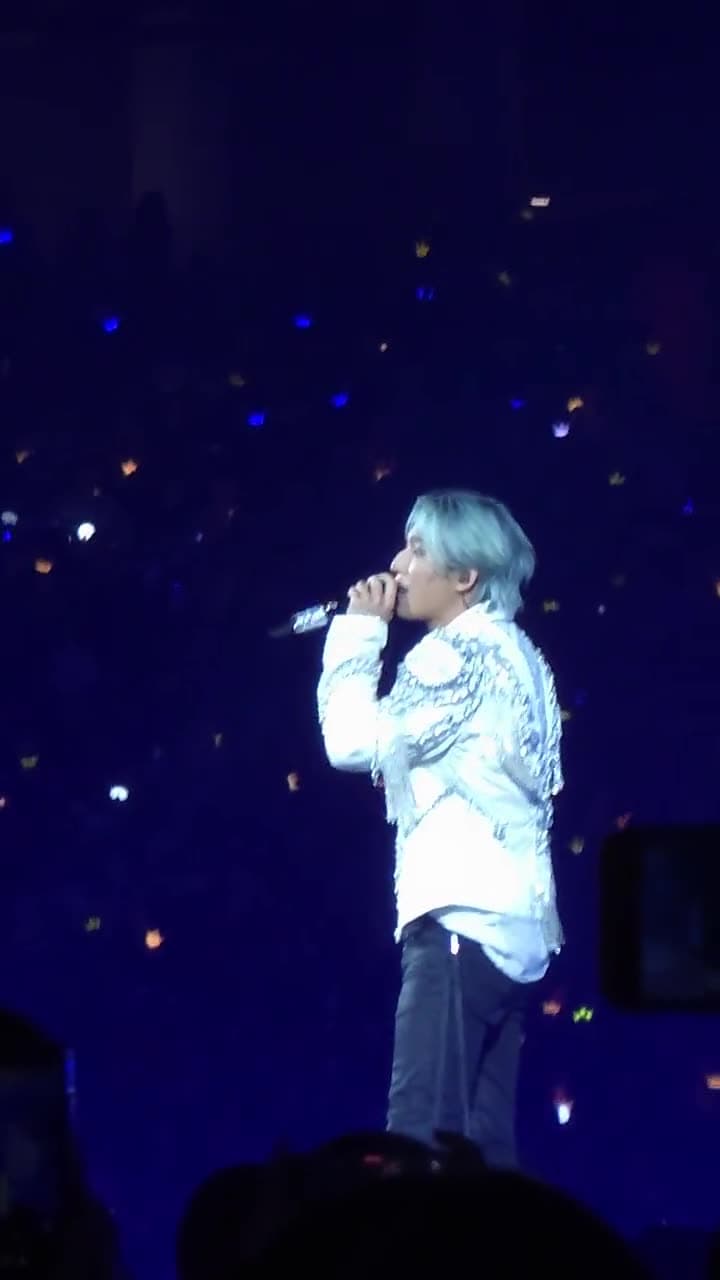
The Galaxy S26 Ultra is one of the best phones you can take to a concert, but only if you use its zoom the right way. Most blurry concert videos come from zooming too far or letting the camera fight the stage lights. Here's what to set before the lights go down.
Know which zoom levels are really sharp
The S26 Ultra has four rear cameras, and the zoom buttons in the camera app jump between them:
| Zoom | What's doing the work | Quality |
|---|---|---|
| 0.6x | 50 MP ultra-wide | Whole stage and crowd |
| 1x | 200 MP main camera | Best in low light |
| 2x | Crop from the 200 MP main camera | Very good |
| 3x | 10 MP telephoto lens | Good, real optical zoom |
| 5x | 50 MP telephoto lens | Excellent, real optical zoom |
| 10x | Crop from the 50 MP 5x camera ("optical quality") | Very good |
| 20x and beyond | Digital zoom | Drops off quickly |
The sweet spot for concerts is 5x to 10x. From the upper tiers of a stadium, 10x usually fills the frame with the performers. Concertgoers on Samsung's own community forum report that around 20x the picture starts to look smudgy, like a watercolour, as noise reduction kicks in. The 100x "Space Zoom" is fun for a photo of the big screen, but not for video.
Tip: tap the zoom buttons rather than pinching between them. Pinching lands you on in-between values that are digital crops.
Video: 4K, and pick your frame rate
- 4K at 30 fps is the safest choice in a dark arena. Each frame gets more light, so faces stay cleaner.
- 4K at 60 fps gives smoother motion for dance-heavy shows, but looks noisier when the stage is dim.
- Skip 8K. It eats storage, and you'll almost never watch it in 8K.
How much storage you'll use: a real two-night concert shoot on one of our S26 Ultras came to 32 videos and 18 GB in 4K at 60 fps, roughly 20 GB per hour of video. The 1 TB rental phone has plenty of room for a full show.
Pro Video: fix the shutter speed
Auto mode tends to brighten the whole arena and blow out faces under spotlights. In Pro Video mode:
- Set 4K at 30 fps and a shutter speed of 1/60 (or 4K at 24 fps with 1/50). This keeps natural motion.
- Leave ISO on auto so the phone adjusts as the lights change.
- If the performers still look washed out, turn the exposure down a step.
If Pro Video feels fiddly, the normal Video mode with the next tip works well too.
Lock focus and exposure on the performer
Strobes and lasers make the camera hunt for focus and brightness. Tap and hold on the performer until the AE/AF lock appears, then slide the brightness down a little. Faces keep their detail and the stage lights keep their colour.
Cleaner sound
- The person beside you singing along will be louder than the stage. After the show, open the video in Gallery and use Audio Eraser (Galaxy AI) to turn down voices and crowd noise.
- Keep your fingers off the microphones at the top and bottom edges of the phone.
Small things that help
- Flash off. It won't reach the stage, and it lights up the heads in front of you.
- Wipe the lenses before the show. Fingerprint smudges turn stage lasers into streaks.
- Hold the phone with two hands, elbows tucked in. It's steadier, and it's kinder to the people behind you.
- Grab stills from video. When the lights change too fast for photos, film in 4K and pause on the best frame later.
- Follow the venue's rules. Most allow phone filming, but some shows ban recording. Our venue guides list what each venue allows.
When the show's over, here's how to send your videos to an iPhone.
Sources
Last checked 20 Oct 2026.
- Galaxy S26 Ultra specs (Samsung, official)
- Samsung Galaxy S26 Ultra full specifications (GSMArena)
- Samsung Galaxy S26 Ultra specs (Phone Scoop)
- Mastering concert content with the Galaxy S26 Ultra (Samsung Community)
- Getting nice content at a concert from the nosebleed section (Samsung Community)
- Concert 10x zoom and Nightography with S26 Ultra (Samsung Community)